
Free to usepop in for a meeting?
Private meetings
No app required
End-to-end encrypted group video meetings. Right in your browser.
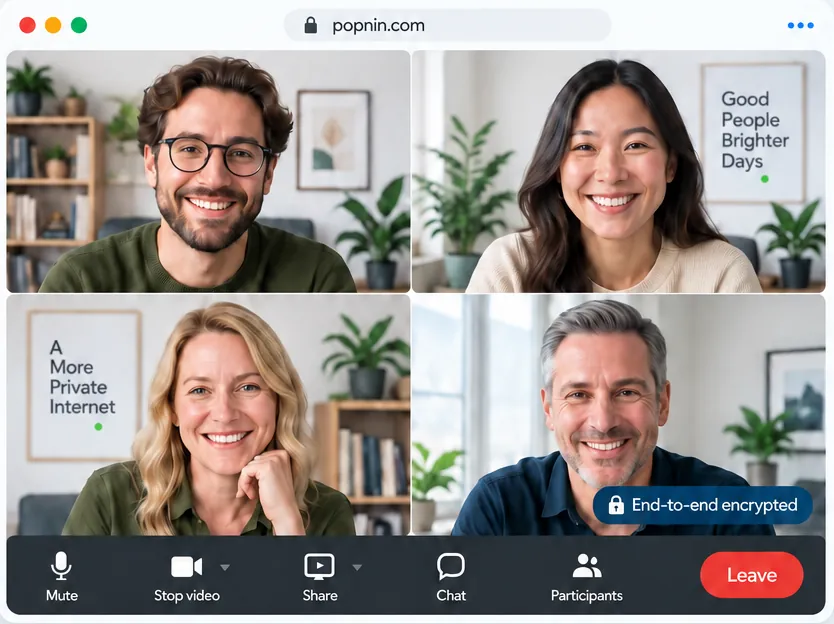
- Video
- Audio
- Screen sharing
- Chat
Free to use. No password, no app, no time limits. Guests don't need an account.
Two ways to meet
Meet with anyone
Invite people by email or share one link. Guests join from their browser, with no account.
For companies
Joining a company meeting? Sign in with your work email. Everyone with the same company email domain sees your company's meetings and joins with one click: no invitations, no links to forward, and nobody from outside your domain.
Personal addresses (Gmail, Yahoo, Outlook, iCloud and the like) can't open a company room.
How it works
- 1Invite by emailType your guests' addresses. Each one gets a personal link that only works for them.
- 2Open with the linkGuests just open their personal link. Want more? Require a short code you share yourself — it's never emailed and never reaches our servers.
- 3Meet, encryptedVideo, audio, screen sharing and chat, up to 1080p, encrypted on your devices. Nothing to install.
Popnin is a free service sponsored by Huff Data Systems. No ads, no trackers, and no accounts for guests.
